Benefits of Handheld Gimbals for Action Cameras
Handheld camera gimbals help creators control camera orientation without relying exclusively on their hands. Their motors correct pan, tilt and roll within the device’s designed limits, making some deliberate movements easier to repeat. This updated guide explains where a handheld stabilizer offers a meaningful benefit, when camera-only stabilization is already enough, and how to avoid buying accessories that will not support the equipment you own.
Five real benefits of a handheld gimbal
- More controlled pans: a motorized axis can help make gradual changes in direction rather than abrupt hand movements.
- Better orientation control: the gimbal can reduce some unwanted tilt and roll while framing a subject.
- Repeatable filming patterns: compatible modes can simplify deliberate reveals or gentle changes of camera direction.
- Support for self-recording: selected smartphone gimbals offer app-based tracking when the phone and recording software are compatible.
- Creative framing options: motorized control and approved attachments may expand the positions available to the operator.
Mechanical stabilization is not magic
A powered stabilizer corrects camera rotation but cannot fully remove vertical translation from ordinary movement. It also does not repair blurry autofocus, wind noise, poor lighting, rolling-shutter distortion or badly composed shots. Modern action cameras and phones already offer image stabilization, so an extra gimbal should be considered only for a real limitation or creative goal.

Action camera, smartphone or mirrorless: different tools
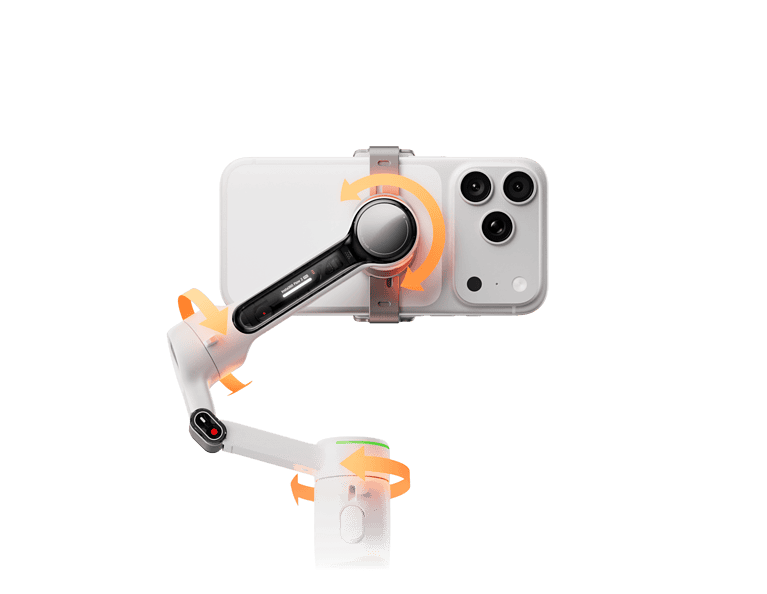
Phone gimbals usually prioritize a clamp and software integration. Check complete phone mass, width, thickness and app requirements. Action-camera gimbals may offer compact clamps but different camera-control compatibility. Larger camera gimbals need more payload capacity and lens clearance. A stabilizer described as “three-axis” does not thereby work with every camera type.
For instance, Insta360 lists a Flow 2 Pro supported phone weight of 130–300 g, while DJI lists RS 4 Mini at 0.4–2 kg tested payload for appropriate camera rigs. These are different product categories. See Insta360 and DJI for exact specifications, rather than guessing from similar-looking equipment.
When a gimbal is worth the extra weight
Consider one if you frequently need a consistent pan, a motorized subject-following workflow supported by your recording app, or carefully controlled moving-camera shots. If you mainly record a stationary subject or short casual clips, a tripod and appropriate lighting and audio may be a more efficient improvement. Price should be weighed against how often the unique function will actually be used.
What makes a gimbal inconvenient?
- Another battery that needs charging and may age over time.
- Additional weight and a carrying case, especially with larger camera rigs.
- Compatibility limits related to clamps, payload, firmware and control cables.
- Setup and balance considerations when switching devices or lenses.
- Weather protection that may be weaker than the camera’s own rating.
How to judge filming results
Look for a tangible improvement in the type of scene you actually shoot. A controlled static shot makes a useful baseline because it separates composition and image quality from gimbal movement. When assessing published reviews, distinguish manufacturer demonstrations, genuinely recorded user footage and generic marketing summaries. A numerical ranking without consistent testing conditions is not reliable evidence.
A simple buyer checklist
- Does the exact phone/camera fit the documented payload and clamp limits?
- Does the device support the filming mode and software you use?
- Will it actually improve your common shots beyond the camera’s own stabilization?
- Can you maintain and charge it with readily available accessories?
- Are the price, return policy and after-sales support appropriate for the device’s age?
Related articles
Our three-axis gimbal explainer covers the underlying mechanics. The action-camera buying guide considers GoPro-oriented options, the smartphone buying guide addresses phone compatibility, and our camera movement guide discusses operator-related limitations.
Frequently asked questions
Will every gimbal improve the same footage?
No. Improvements depend on the camera, recording mode, operator and the movement being attempted.
Do I need to buy a newer gimbal?
Only if your present equipment cannot support an essential function you need. An older device may remain useful if fully compatible.
Can a handheld gimbal replace a tripod?
Not for every job. Fixed shots often benefit from a simpler and more stable support.
Editorial note
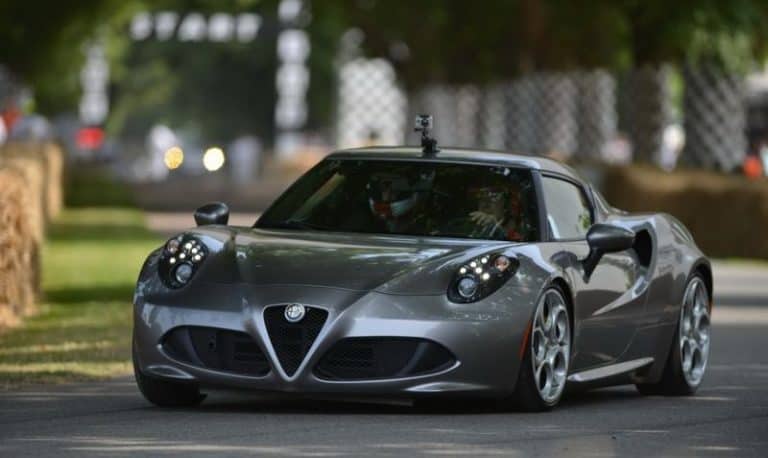
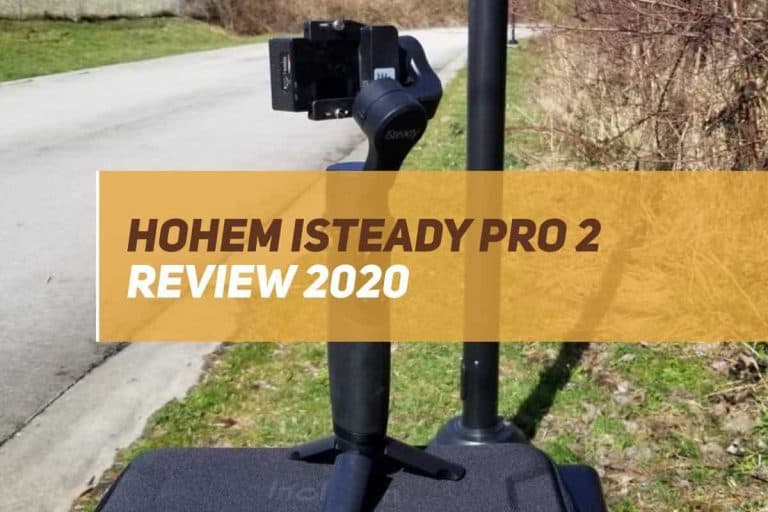
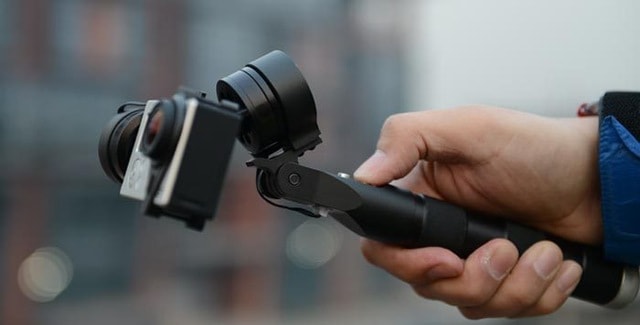
This educational update is not a hands-on review of a particular model. Product claims linked above come from their manufacturers, and the archived images show older gimbal equipment for context.
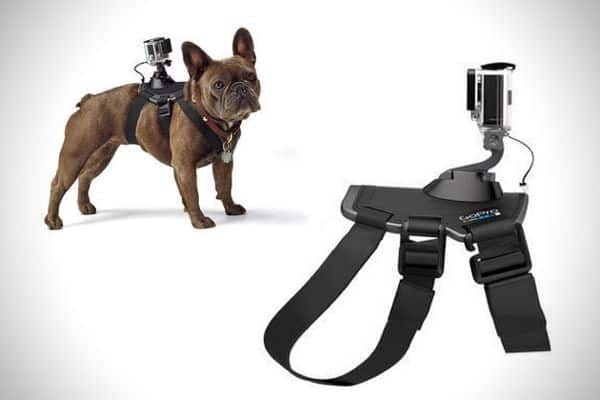
Related reading: For DSLR camera payload and balancing, consult this related GoGimbals article. For older wearable gimbal technology, consult this related GoGimbals article. For outdoor scenery and responsible travel storytelling, consult this related GoGimbals article. For pet harness comfort and framing, consult this related GoGimbals article.