Does a GoPro Need a Gimbal? HyperSmooth vs Motorized Stabilization
Does a GoPro need a separate gimbal? Usually not for ordinary casual recording. Recent GoPro models already use electronic stabilization to reduce much of the unwanted shake in supported video modes. A powered gimbal becomes more interesting when your project needs deliberate motorized pan, tilt or roll control, consistent camera orientation, or a specific supported shooting workflow. The key is to identify what built-in stabilization cannot accomplish rather than assuming more equipment always produces better footage.
This guide separates GoPro’s HyperSmooth electronic stabilization from a mechanical three-axis gimbal. It does not claim to have conducted a new side-by-side field test or rank every gimbal on the market. For product-specific choices, use our GoPro gimbal buying guide; this article answers the narrower question of whether another stabilizer is needed in the first place.
Two different technologies, two different jobs
| Question | GoPro electronic stabilization | External three-axis gimbal |
|---|---|---|
| What changes? | Recorded image is processed using stabilization algorithms, usually with some framing trade-off | Motors physically adjust camera orientation |
| What it handles well | Many ordinary rotations and vibrations in supported recording modes | Deliberate pan, tilt and roll control on compatible cameras |
| Can it remove every vertical jolt? | No | No |
| Does it need another charged device? | No extra stabilizer battery | Yes |
| Does it add a new set of environmental limits? | Camera-specific limits remain | Yes; the gimbal has its own weather rating |
| Does it work in every mode? | Check exact GoPro model and video mode | Check mount and camera-control compatibility |
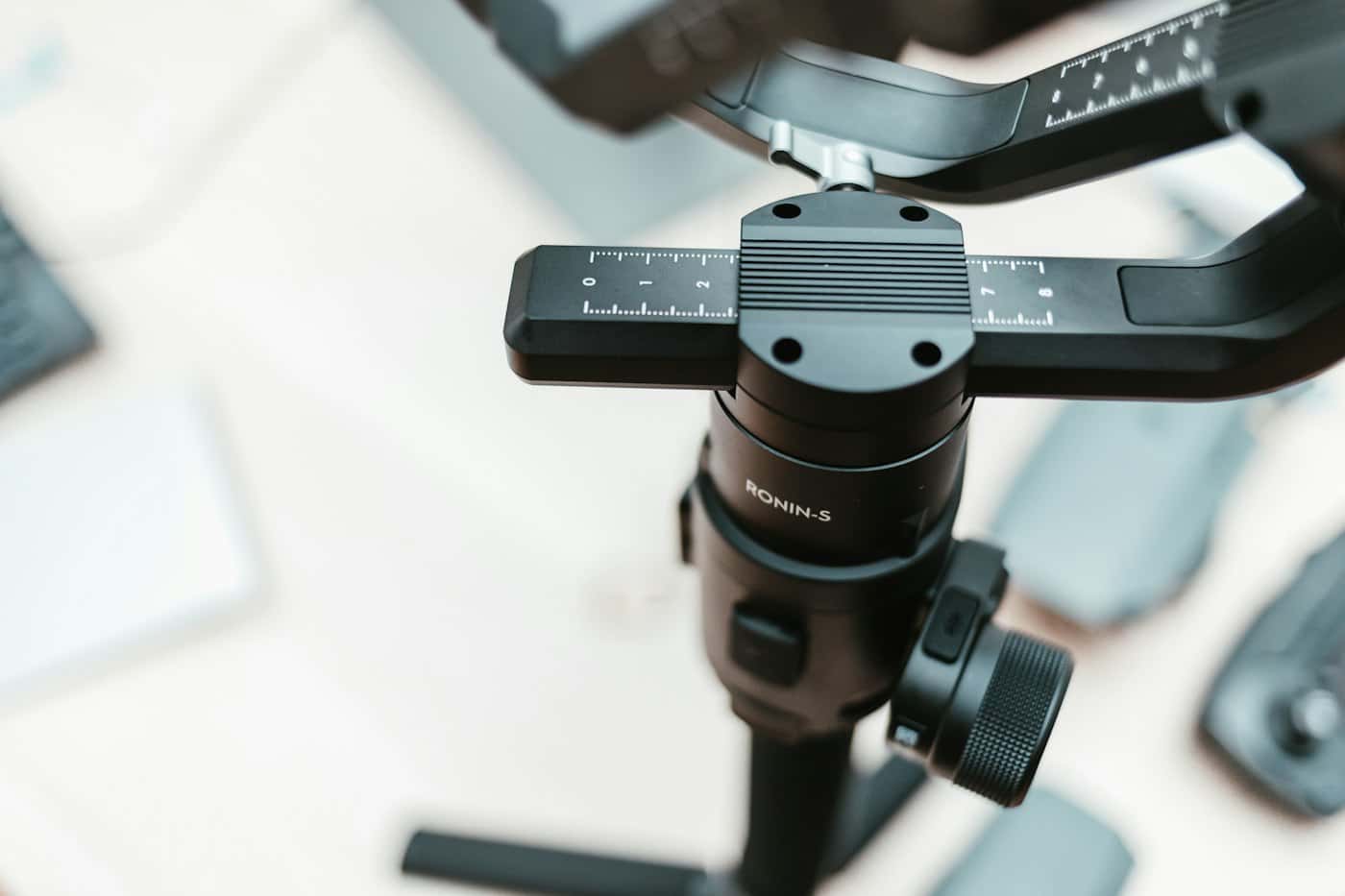
Mechanical stabilization is not identical to optical stabilization either. Optical image stabilization moves a lens element or sensor assembly within a supported camera, while a three-axis gimbal moves the entire camera body. Each technique has different strengths and trade-offs. Our three-axis gimbal explainer describes pan, tilt and roll in detail.
What GoPro’s HyperSmooth does
HyperSmooth is GoPro’s in-camera electronic video stabilization system. For example, GoPro’s official HERO13 Black materials advertise HyperSmooth 6.0, including AutoBoost and supported horizon-leveling or horizon-lock features. GoPro’s HERO12 Black page also documents HyperSmooth 6.0, although exact supported resolutions and lens settings vary. These are published camera capabilities, not proof that every GoPro model operates the same way.
GoPro describes AutoBoost as adapting stabilization while preserving as much field of view as possible for the recording conditions. Electronic correction can involve changes to crop or framing, and a stabilized video does not imply that the recording captures every originally visible pixel. Check the particular camera and mode’s official specification rather than relying on a generic statement such as “all GoPros have unlimited stabilization.”
Reference pages: GoPro HERO13 Black, HERO12 Black, and GoPro Player / HyperSmooth Pro compatibility information. GoPro Player’s supported post-processing features also vary by camera generation and captured mode.
When camera-only stabilization is likely enough
- Short ordinary handheld clips: if a supported HyperSmooth mode produces footage you like, an external gimbal may be unnecessary.
- Stationary demonstrations: a stable tripod or appropriately placed camera often creates more consistent framing than a moving motorized system.
- Travel stories: good composition, clear narration and usable light may improve the finished video more than another stabilizer.
- Simple behind-the-scenes material: camera stabilization can help with informal recording without adding batteries, balancing and clamps.
- Compact packing: avoiding a separate device simplifies the kit when only brief camera clips are planned.
For improving basic footage, our action-camera beginner guide covers framing, light, sound and reviewing sample recordings. A stabilizer cannot compensate for all those independent components of video quality.
Situations where an external gimbal offers something different
A motorized support can hold a more consistent orientation while the operator deliberately changes camera direction. It can also create controlled pans or tilts that are distinct from simply removing camera shake. The relevant question is whether you need that physical camera movement for a particular scene. If your existing clips look stable but your filming requires repeatable camera orientation, the new functionality may justify extra equipment.
Some systems offer remote camera start/stop or mode changes, but mount compatibility does not guarantee that control functions work with every GoPro generation. Wireless pairing and feature support are separate specifications, and published manufacturer support lists should be checked for the actual hardware combination.

Example: the Hohem iSteady Pro 4
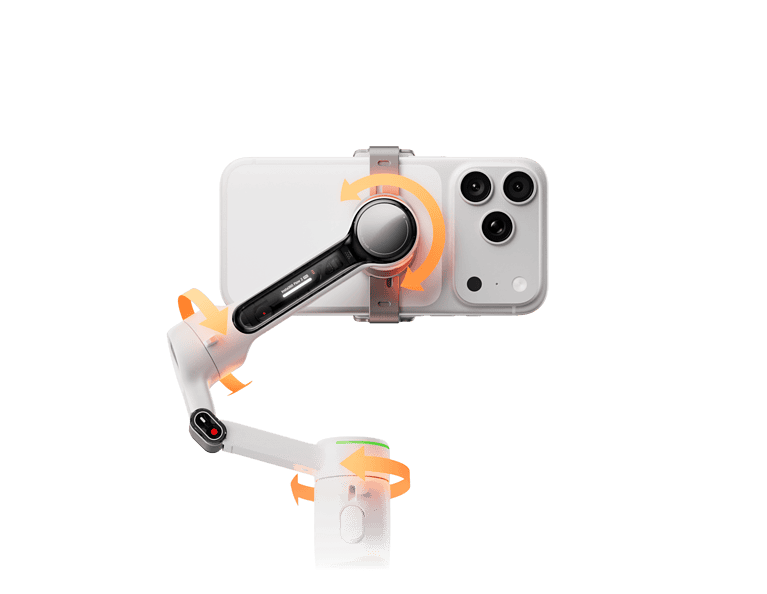
Hohem positions the iSteady Pro 4 as a three-axis action-camera gimbal. The official product page lists its camera-size restrictions, compatible GoPro generations and supported wireless control functions. The same manufacturer calls it IPX4 splash-proof, and its FAQ warns that immersion is not supported. In other words, even a GoPro designed for wet conditions does not make the powered stabilizer equally protected.
According to Hohem, the gimbal offers a specified action-camera payload and controls for supported camera models, but that does not mean every protective camera housing or new generation will fit. Consult Hohem’s model specifications and its FAQ before considering that particular option. For an older-generation comparison, see our Pro 2 versus Pro 4 guide.
Why a larger multipurpose gimbal is not automatically better
Some gimbals support not only action cameras but certain compact or mirrorless camera rigs. That versatility can be valuable if you regularly switch supported equipment, yet the added mass, balancing and storage may be unnecessary for one small GoPro. The more complicated rig also does not guarantee that the camera’s electronic stabilization or audio will improve. Select by the entire filming workflow, not only a higher published payload number.
A practical decision checklist
- What specific problem appears in your current clips: unwanted rotation, poor framing, vertical movement, or something unrelated to stabilization?
- Which GoPro model and video mode do you actually use? Check its HyperSmooth, horizon and field-of-view support.
- Would a tripod or a planned stationary view meet the same goal with less equipment?
- If you need controlled motorized movement, is the exact camera and mount supported by the gimbal maker?
- Do camera-control functions work with the model, or is the gimbal only a physical holder?
- How do battery charging, kit weight, software compatibility and environmental limits affect the project?
- Are you relying on manufacturer specifications, or does a review provide genuinely comparable source footage and methodology?
What a gimbal still cannot solve
A three-axis gimbal mainly influences orientation. It cannot eliminate every movement of the entire camera through space, repair missed focus, restore lost audio or improve inadequate light. Good framing is still a creative decision. If a shot fails because the camera is pointing at the wrong subject, no manufacturer stabilization rating by itself will solve the problem.
Mechanical stabilization also has an environmental limitation: a powered accessory may be less weather-resistant than the GoPro camera. Read our water-resistance guide for distinctions among splash-proof descriptions, IPX4 and immersion ratings. Treat every separately powered component according to its own manufacturer limits.
Common questions
Should I disable HyperSmooth whenever a GoPro is mounted on a gimbal?
There is no universal answer that applies to every GoPro, gimbal and recording mode. Manufacturer compatibility and intended filming behavior vary. Use the supported camera modes and documentation for the exact setup rather than following a generic rule.
Can a motorized gimbal create a smooth vertical walk automatically?
No. Three-axis orientation control cannot cancel all vertical translation. Framing, lens choice and operator movement still influence the result.
Will a waterproof GoPro protect a gimbal in rain or water?
No. Each device has its own environmental limits and sealing. The camera’s protection rating does not extend to the gimbal.
Is buying an older gimbal a good money-saving option?
Only after confirming the exact model, camera fit, firmware or app support, battery condition and original parts. Historic rankings and seller titles are not sufficient proof of compatibility.
Bottom line: decide by the shot, not the accessory
For casual GoPro video with effective supported HyperSmooth modes, start by using the camera’s built-in capability. Add a motorized gimbal when you can identify a specific framing or rotation-control need that the camera cannot fulfill conveniently, and choose a device explicitly compatible with that camera. For available product categories, see our action-camera gimbal comparison.
Sources and editorial disclosure
Sources: GoPro HERO13 documentation, HERO12 documentation, GoPro Player information, Hohem product specifications and Hohem FAQ. This researched comparison does not claim original field-test footage or personally measured performance. Featured photo by BENCE BOROS / Unsplash; other photographers are credited in captions.